Start with the decision an alert supports
A daily report becomes a burden when nobody can tell whether a finding affects the software they run. Before building an AI dependency watcher, define its job: help a named owner decide which package changes deserve investigation.
Start with a small watchlist tied to deployed software, including package versions and container image identifiers. For each finding, ask for the affected component, supporting source, reason for review and responsible team. Treat the output as a research queue requiring review before action.
LangGraph dependency monitoring is worth considering when the workflow needs separate research branches, explicit checks and persistent history. If the requirement is simply to poll known advisory feeds, first assess a scheduled feed processor. Add AI research where interpreting scattered release notes or announcements has a clear purpose.
What the AWS example establishes
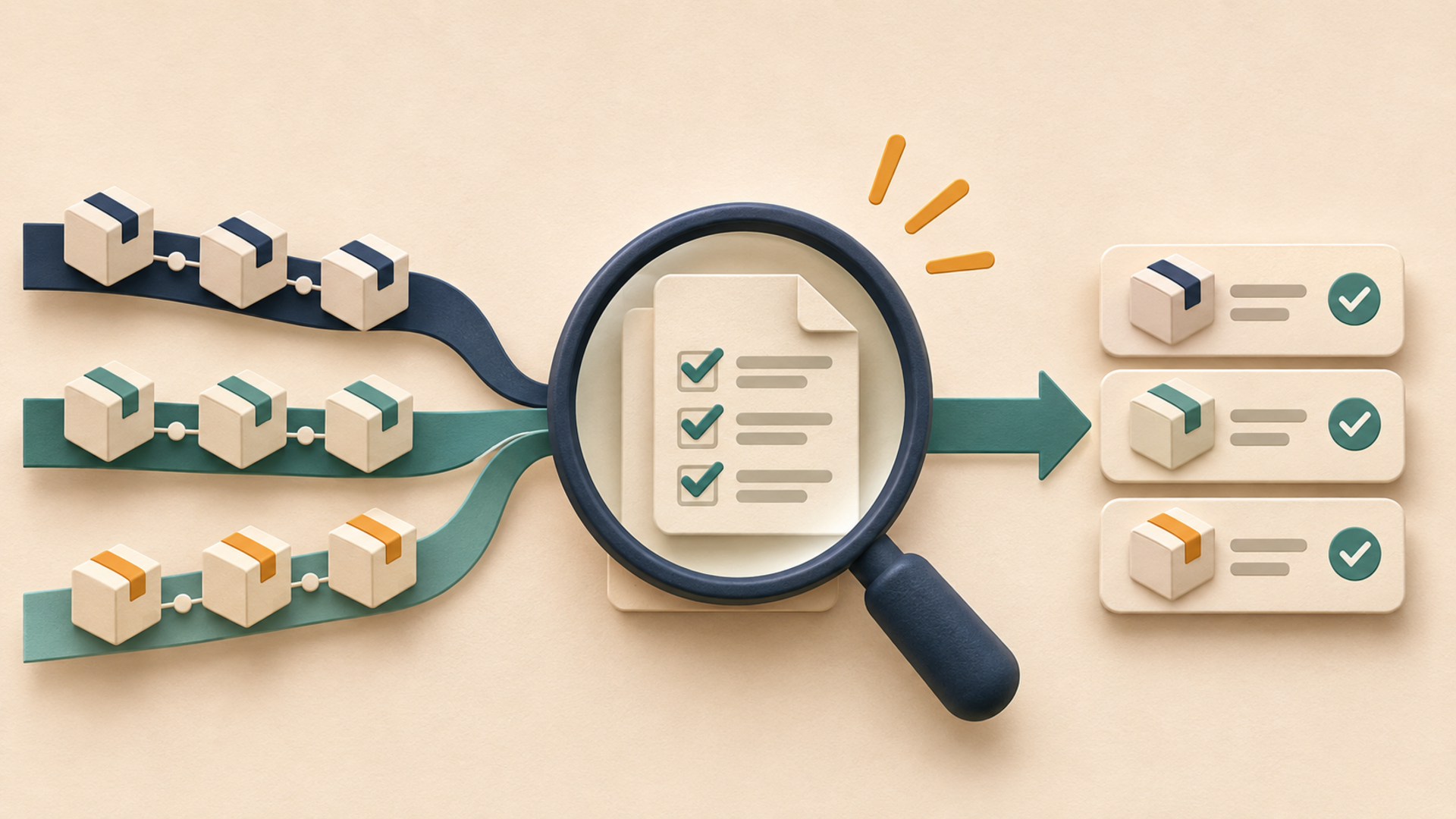
AWS’s 10 November 2026 walkthrough researches npm, PyPI and container dependencies in parallel. Its LangChain toolkit fixes search filters and limits each branch to four searches. The example demonstrates a bounded research workflow; it does not establish complete vulnerability coverage.
Read the original AWS walkthrough for the implementation. We inspected its published explanation, not an executed notebook. No runtime, accuracy or cost results have been reproduced for this article.
For a pilot, define success before choosing a model: useful findings per review session, known advisories missed, duplicate alerts, cost per completed run and time spent checking each finding. Agree acceptable limits with the team that will receive the report.
Keep the search budget outside the model
Implement the agent search budget in application code. Give every branch an allowance, then enforce a run-wide ceiling that also accounts for retries. Record why a branch stopped: completed research, exhausted budget or failure. A confident summary should never hide an unfinished search.
Treat search calls, model usage and elapsed time as separate budgets. A search limit alone is not a spending cap. Set model token limits, a deadline and a bounded retry policy; log actual consumption so the pilot can reveal the cost of useful findings.
Make the watch window an explicit input, with a timezone and fixed start and end. For daily runs, consider an overlapping window to catch late-indexed pages, paired with persistent duplicate handling. Label this as a coverage strategy to test, rather than a guarantee that every new issue will be found.
Separate a cited finding from a verified one
The AWS example checks whether a cited URL was returned, the source names the package, any advisory identifier appears and the publication date is in range. AWS explicitly says these checks do not confirm severity, exploitation, affected versions or recommended action. A page’s date also does not establish first disclosure.
Add a separate review step before prioritisation. Compare the finding with the maintainer’s advisory or an authoritative vulnerability feed, then match affected versions against your inventory. Keep unsupported fields marked unknown. Store a review outcome and a reference to the evidence used, rather than letting fluent wording imply certainty.
Use test cases containing a wrong package with a similar name, a real advisory attached to the wrong version, an undated page and a recent article about an old incident. Check whether the workflow rejects, flags or correctly routes each case. Treat source text as untrusted input and prevent retrieved instructions from changing tool permissions or budgets.
Design history and delivery together
LangGraph distinguishes checkpointers, which persist a thread’s graph state, from stores holding application data across threads. Decide separately how a failed run resumes and how the watcher remembers findings across days. The AWS walkthrough uses an in-memory store for demonstration and recommends durable storage for scheduled operation.
Define a stable finding identity using the ecosystem, component and advisory identifier where available. Keep a separate record of material changes, so a previously seen advisory can return for review when its affected versions or guidance changes. Avoid using the article URL as the only identity.
Track discovery, review and delivery as separate states. If a report fails to reach its recipient after a finding is recorded, a simple ‘already seen’ flag could suppress the next attempt. Test a crash before and after delivery, and use a stable delivery identifier to control repeated notifications.
Report incomplete runs explicitly. If one ecosystem fails, show which checks completed and which remain outstanding. Reserve ‘no new findings’ for completed checks; do not use it as the fallback message for an outage.
Choose who owns the search controls
Amazon Bedrock AgentCore web search offers a direct API for application code and a Gateway connector for MCP tools. AWS documents request-level domain filters for the API and additional target-level domain lists for the connector. Choose based on where your organisation needs to enforce source policy.
For one application, start by assessing the direct API’s operational fit. For several teams sharing search, assess whether centrally administered Gateway controls justify the extra configuration. Verify Region availability, permissions and current charges before a pilot; do not infer suitability from the demonstration’s setup.
AWS also requires source citations and links in user-facing output using search results. Check the current API documentation and acceptable-use terms when designing the report and evidence retention. Retain only the evidence needed within applicable terms, rather than archiving search content indiscriminately.
Run a pilot that can expose failure
Begin with a limited watchlist and a named reviewer. Assemble known relevant advisories and deliberately irrelevant examples, then compare the daily output with that reference set. Include budget exhaustion, service errors, repeated runs, lost delivery and changed advisories in the pilot.
Measure missed findings as well as accepted ones. Record reviewer effort, actual spend and time to a usable report across repeated runs. Parallel execution is an option to evaluate against quotas and cost, not a business benefit established by this article.
Expand only when the team can explain a rejected finding, recover an interrupted run and distinguish an empty report from an incomplete one. That gives the business a concrete basis for deciding whether the watcher earns its operating cost.
Frequently asked questions
Can the watcher automatically decide what to patch?
Keep patch decisions behind review. The AWS example’s source checks do not verify affected versions, severity or recommended action. Confirm the advisory and match it to deployed versions before approving a change.
Does a search budget cap the whole run’s cost?
No. AWS’s walkthrough states that search and model calls are billed per use. Bound both kinds of usage, account for retries and measure actual spend before setting a production allowance.
Will LangGraph remember yesterday’s findings?
Only if the application uses suitable persistent storage. LangGraph stores hold data across threads; the AWS example’s in-memory demonstration needs a durable replacement for a daily job.
Should we use the API or AgentCore Gateway?
Assess the direct API when your application consumes search results and applies request filters. Assess Gateway when agents call tools over MCP or need target-level domain controls. AWS documents these as different integration and policy options.